 DEUCE
DEUCEDEUCE vs VSCO: which editor for film-style photos?
VSCO is a large photo and video editor with 200+ presets, an AI lab, a community and portfolio tools. DEUCE is a smaller iPhone app built for tennis, padel and golf photos, with 46 films, a roll that develops at sunrise and scoreboard stencils. This page compares them as of October 2026.
Coming soon to iPhone
What is the short answer?
Pick VSCO if you want the largest preset library, video editing, AI tools and a community around your photos. Pick DEUCE if you photograph tennis, padel or golf and want films named for light and places, a blind roll, scoreboard stencils and exports that write only the metadata you choose.
VSCO facts come from its US App Store listing, checked on October 10, 2026. Apps change often, so verify before you decide.
DEUCE vs VSCO at a glance
| DEUCE | VSCO | |
|---|---|---|
| Platforms | iPhone only | iPhone and iPad |
| App Store status | TestFlight, not yet released | Live since 2013, 4.7 from 277,778 US ratings |
| Looks | 46 named films with intensity from 0 to 100 | 200+ presets and filters, per its listing, including Film X presets |
| Editor tools | Exposure, color, HSL, split tone, curves, grain, halation, bloom, crop | HSL, Dodge and Burn, Split Tone, Grain and more, per its listing |
| Batch editing | Copy an edit and paste it to selected frames | Paste one edit on up to 100 photos, per its listing |
| AI tools | None | AI Lab for removing distractions and upscaling, per its listing |
| Video | Not offered | Trim, speed, color grading, per its listing |
| Community | None, no accounts | Spaces and community galleries |
| Delayed develop | Roll of 12, 24 or 36 frames, hidden until local sunrise | Not described in its listing |
| Sport stencils | Tennis and padel scoreboards, golf hole cards, carousels | Collage templates |
| Languages | English and Russian | 16 |
| Cost model | Free download, optional DEUCE Club | Free download with in-app purchases and a membership |
What does VSCO do better than DEUCE?
VSCO has scale and range. Its listing describes more than 200 presets, a set of Film X presets inspired by Kodak, Fuji and Agfa, and tools such as HSL, Dodge and Burn, Split Tone and Grain. It adds video editing, collage templates, AI features and a place to share work and client galleries. It also runs on iPad and offers 16 languages, and it has been on the store since 2013.
If you edit portraits, travel, weddings or product photos, or you want a community, VSCO covers far more ground. DEUCE does not try to be a general editor.
What does DEUCE do better than VSCO?
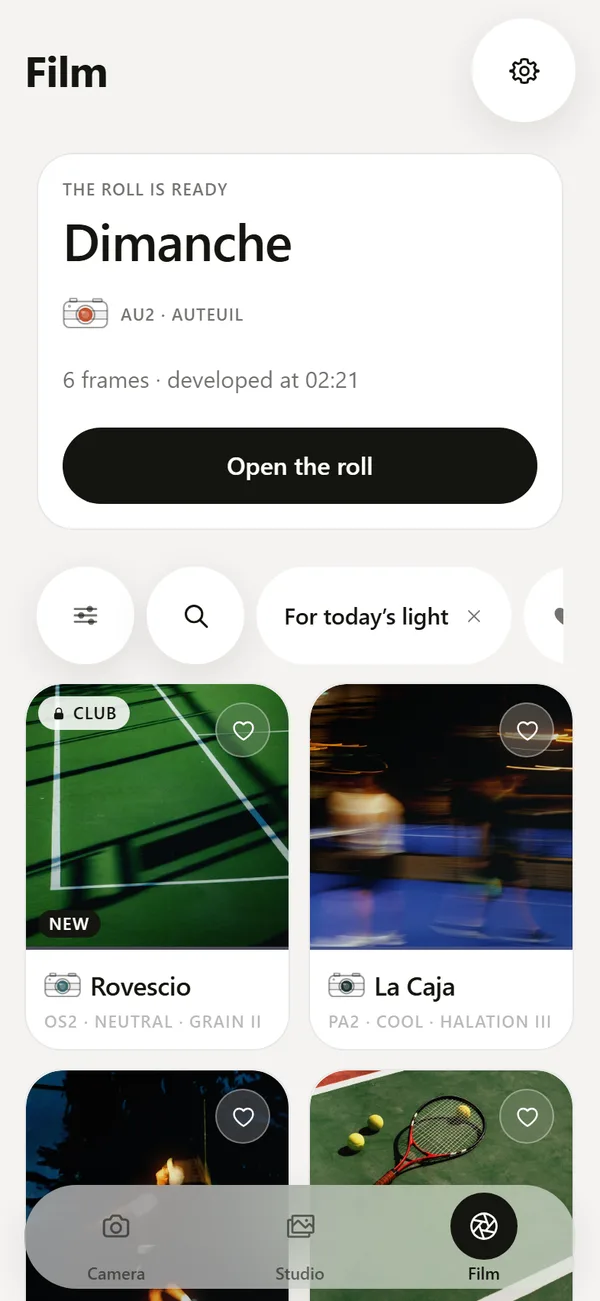
DEUCE is built around one use. Each of its 46 films has a code, a name, a one-line character, an origin and three scenes it suits, so you choose by mood and light. Series carry place names such as Paris, Monte-Carlo, London and Buenos Aires. The film catalog also measures your frame on the phone and suggests three films.
The sunrise roll hides frames until your local sunrise, which VSCO does not describe. Stencils and carousels put scores and hole cards on a frame. DEUCE has no accounts and no server of its own, and the export screen writes only the metadata you tick, with location off by default.
How do the editors compare for a court photo?
Take one photo of a clay court at dusk and follow what each app asks you to do.
- In VSCO, pick a preset from the library, adjust strength, then fine-tune with HSL, grain and tone tools.
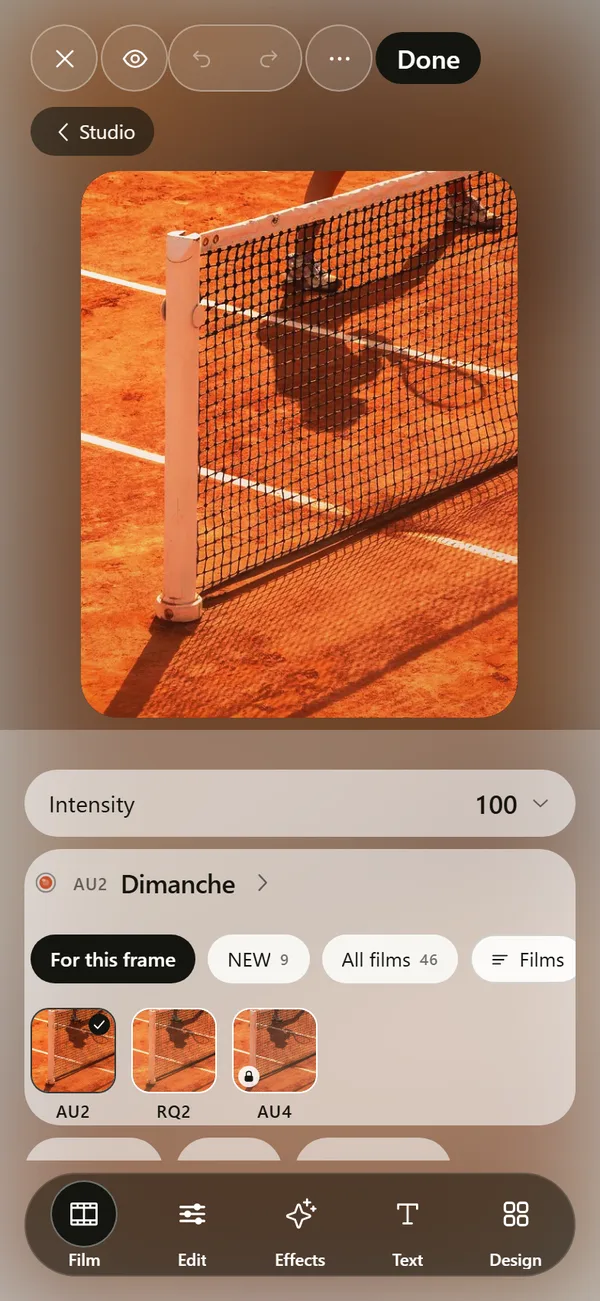
- In DEUCE, pick a film such as a dense, warm clay look, set the intensity, then add halation for the lights and grain for texture.
- In both, compare with the original before you export.
- In DEUCE, add a scoreboard stencil and export 4:5 or 9:16.
What about privacy and data?
VSCO is an account-based service with a community, and its App Store privacy label lists data linked to you and data used to track you. DEUCE works without an account. According to its privacy documents it has no server of its own, no ads and no analytics, and photos stay on the phone. Location is used only to compute sunrise. See the privacy page.
If you care about where your photos go, read both policies. The two apps have different goals, and the privacy trade-offs follow from that.
Can you use both?
Yes, and many people would. VSCO suits batch edits of a long shoot and a wide range of looks. DEUCE suits court and course days where the roll, the stencils and the film notes help. You can edit a photo in one, export it and open it in the other, though stacking two looks tends to look heavy.
Who should pick which?
- Choose VSCO if you want video, AI tools, a community or more than 200 presets.
- Choose DEUCE if you photograph tennis, padel or golf and want scoreboards and hole cards.
- Choose DEUCE if you like shooting blind and seeing the roll at sunrise.
- Try both. Both are free to download, and DEUCE is in TestFlight.
How do the costs compare?
VSCO is free to download, with in-app purchases and a membership for its full preset library and Pro tools, according to its listing. DEUCE is a free download with an optional DEUCE Club for rare films, more rolls and instant developing. Prices are not published yet, see DEUCE pricing.
Frequently asked questions
Is DEUCE a good alternative to VSCO?
For film-style sport photos, yes. It has no video, community, AI tools or iPad version, so it covers far less than VSCO.
Does DEUCE have as many presets as VSCO?
No. DEUCE has 46 named films, while VSCO lists more than 200 presets. The counts reflect different goals.
Which app is better for tennis photos?
DEUCE has tennis and padel scoreboard stencils and films named for courts and light. VSCO is a general editor.
Does VSCO need an account?
Its listing describes a community and membership, and its privacy label lists data linked to you. Check the app for current sign-in rules.
Can I edit many photos at once in DEUCE?
Yes. Copy the edit from one frame, select other frames in Studio and apply it.
Keep exploring
 46 Film Looks for iPhone Photos46 films with codes, series and a comparison divider.
 Film Photo Editor for iPhoneFilm, light, effects, text and design tools. Originals stay untouched.