 DEUCE
DEUCEA photo editor built around film
The DEUCE editor starts with a film and gives you the controls that film photographers know: exposure, contrast, temperature, grain, halation, split tone, curves and crop. It also adds light leaks, dust and scanner effects. Your original photo is never changed.
Coming soon to iPhone
How is the editor organized?
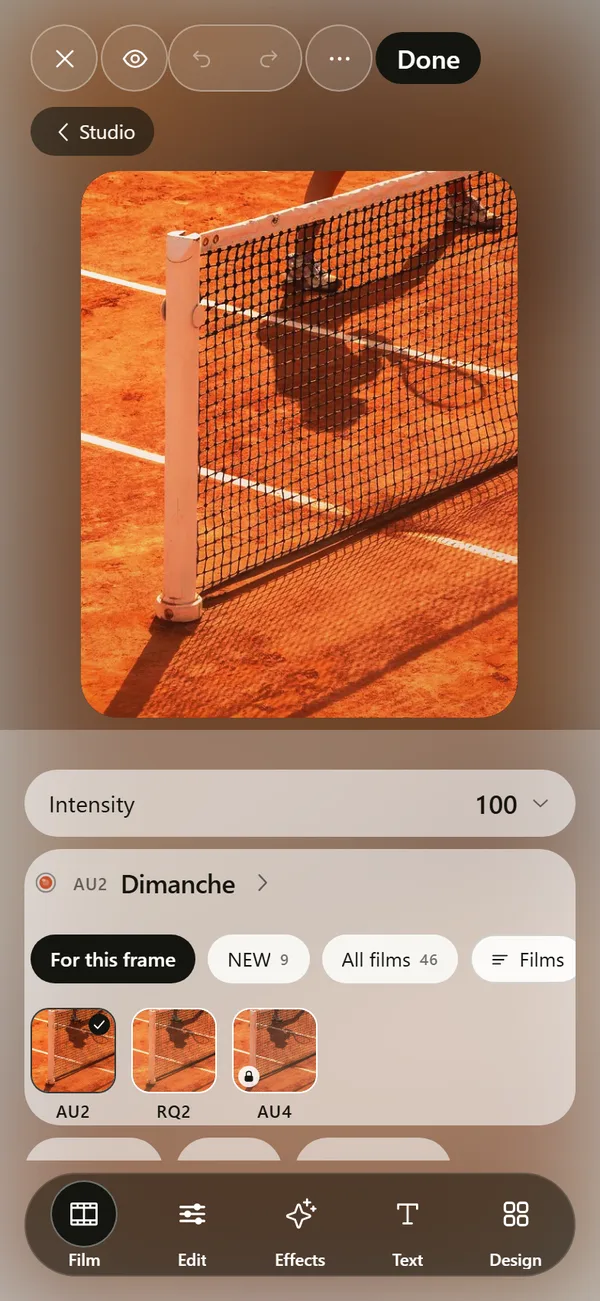
A dock at the bottom has five parts: Film, Edit, Effects, Text and Design. Film picks the look and its intensity. Edit holds the adjustment tools. Effects adds textures and light. Text lets you type directly on the photo. Design opens stencils, carousels and frames.
Which adjustment tools are there?
The Edit tab groups tools by purpose:
| Group | Tools |
|---|---|
| Light | Exposure, contrast, highlights, shadows, whites, blacks |
| Color | Temperature, tint, saturation, vibrance, HSL, skin, split tone, curves |
| Detail | Clarity, sharpen |
| Film texture | Fade, grain, halation, bloom, vignette |
| Geometry | Crop, straighten, perspective, rotate, flip |
What do grain and halation controls do?
Grain has amount, size, roughness and color, and it follows luminance. Halation, the soft glow around bright areas, has amount, radius, threshold and warmth. If you want the background, read what halation is.
The skin tool changes tone, saturation and warmth of skin colors only. The app states plainly that it does no smoothing and no reshaping.
What effects can you add?
Effects cover light leaks (eight of them), flash bloom, window light, soft flare, dust, scratches, film gate, scanner, print texture, haze, glass, prism, lens softness, CCD glow, direct flash, a timestamp and a REC overlay.
The app limits how many you can stack, with a note that too many effects at once stops being film. Ready combinations such as Night court, The lab and Direct flash give you a starting point.
Does the editor change my original?
No. The edit lives as a separate document, and the original in your library is untouched. Deleting an edit from DEUCE removes only the edit.
Hold the frame to see the original, and double-tap to zoom. Undo and redo sit in the top bar.
Why start with a film instead of sliders?
A film sets tone, color, grain and glow together, so the photo starts coherent. Sliders then fine-tune it. With sliders alone, you often fight the picture one control at a time. In DEUCE, you choose the film first, set the intensity, and only then reach for exposure or temperature.
How does crop work?
Crop offers the original ratio and a free mode, and you pinch and drag right on the frame. Straighten, vertical and horizontal perspective, rotate by 90 degrees and flip are in the same group. A reset button for geometry returns the frame to how you shot it.
Can you add text and frames?
Yes. In the Text tab you type directly on the photo. In Design you find frame and background options, stencils and carousels. The info panel shows the film, size, kind, date added and lens, and notes that the original is never modified.
What are recipes?
A recipe is a saved set of edits. Save one from the editor, then apply it to another photo. You can also copy the edit from one frame and paste it onto others from the Studio tab in select mode.
What does a typical edit look like?
A common order is film, intensity, exposure, then one texture. Say you shot a padel match at dusk. Pick a film built for night glass, set the intensity to around 70, lift exposure slightly, and add halation so the court lights glow. Hold the frame to compare with the original, then save the edit as a recipe if you plan to repeat it.
Every step is reversible. Reset buttons sit next to each tool, and a double tap on a tool returns it to its default.
How do you manage a library of photos?
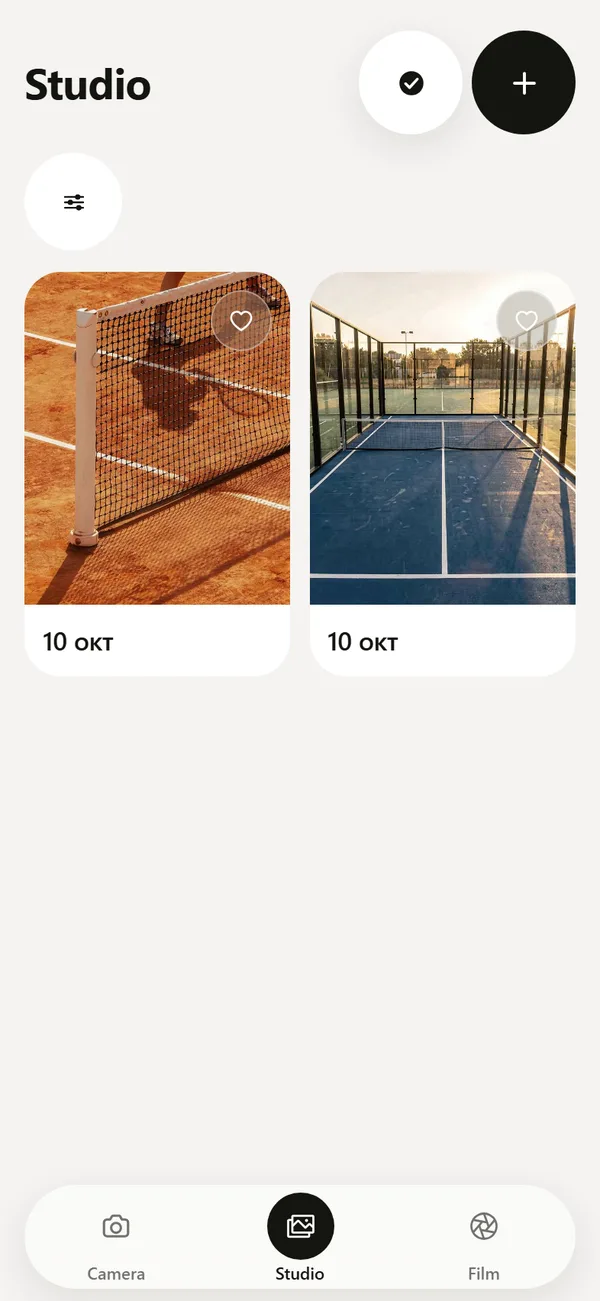
The Studio tab lists the photos you added. You can filter by edited or original, by film, by favorites and by date, and sort by recently added, recently edited or capture date. Selecting several photos lets you apply copied edits to all of them.
Frequently asked questions
Does DEUCE change my original photo?
No. The edit is stored separately, and the original in your photo library is untouched.
Can I apply the same edit to many photos?
Yes. Copy the edit from one frame, then select other frames in Studio and apply it.
Does it smooth skin?
No. The skin tool changes only tone, saturation and warmth of skin colors, with no smoothing or reshaping.
Can I type text on a photo?
Yes. The Text tab lets you place text directly on the photo.
How many effects can I stack?
The app caps the number of simultaneous effects, because too many stops looking like film.
Keep exploring
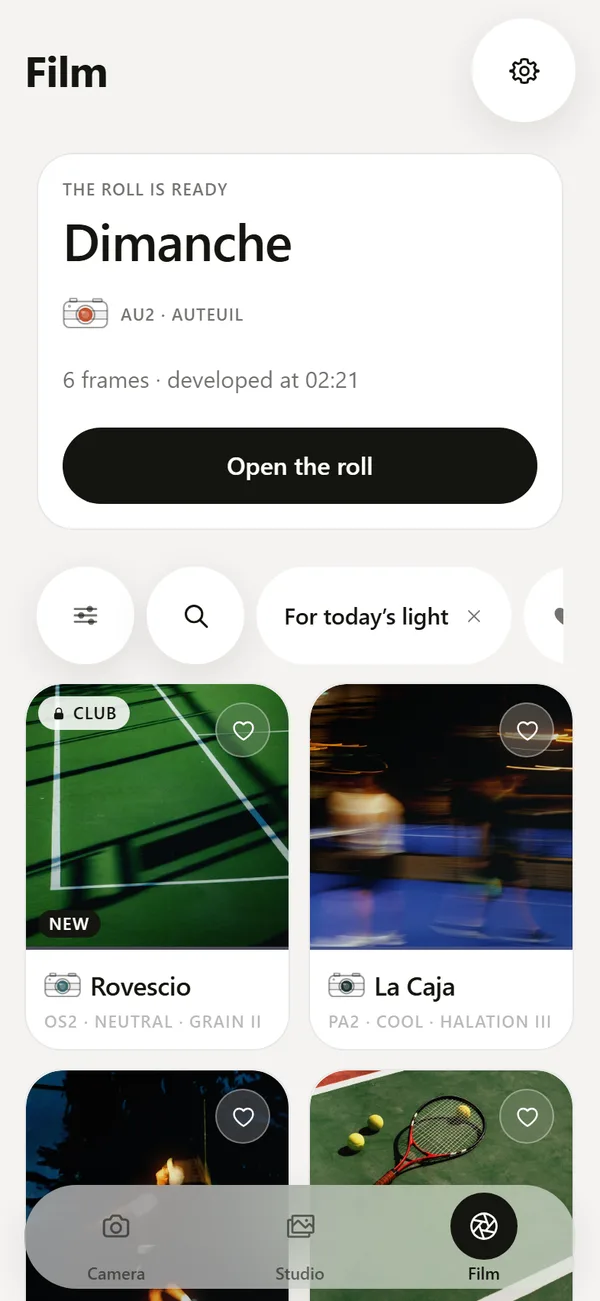 46 Film Looks for iPhone Photos46 films with codes, series and a comparison divider.
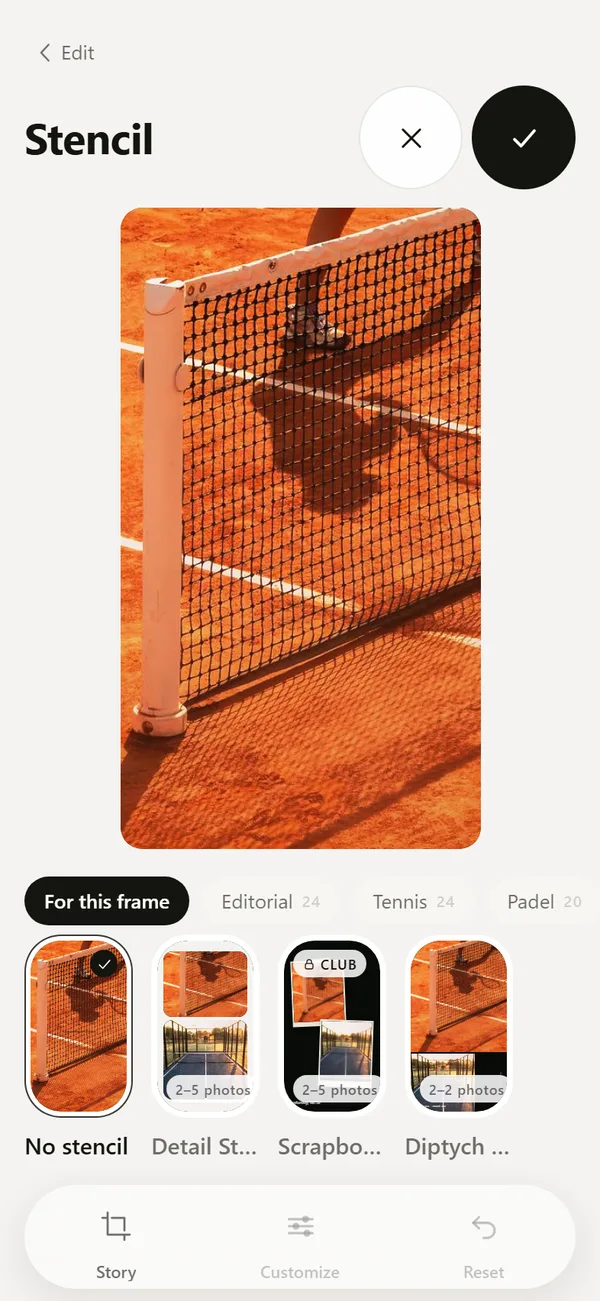 Tennis, Padel and Golf Photo Templates and CarouselsScoreboards, hole cards, club layouts and multi-frame carousels.
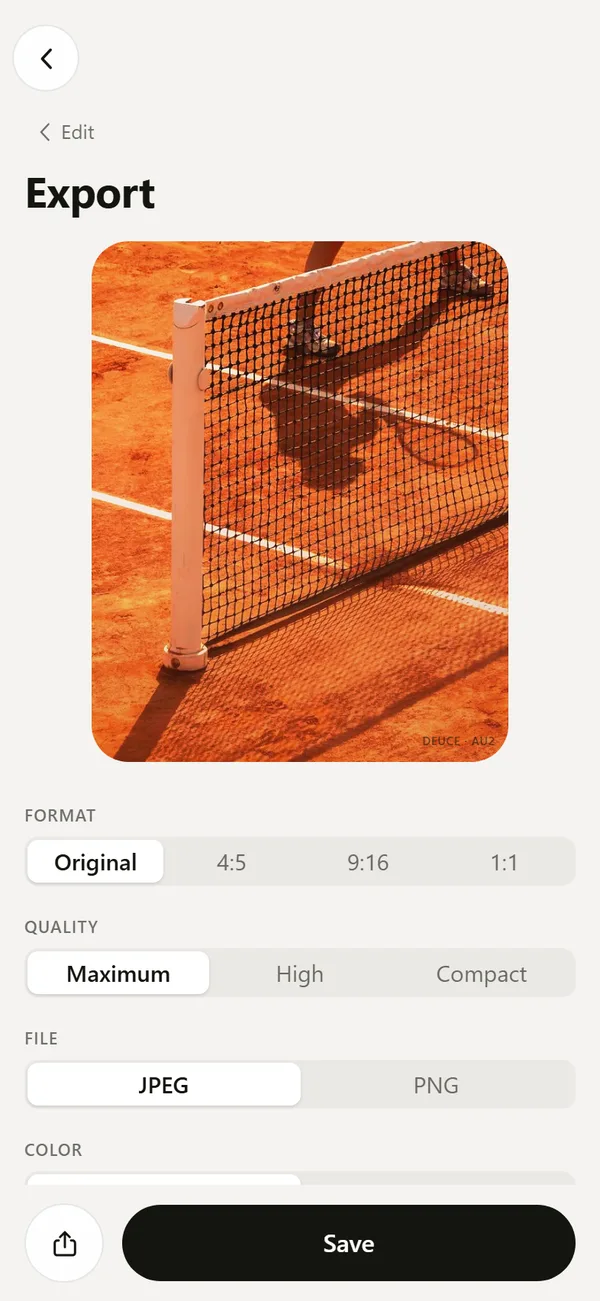 Export Film Photos with Optional EXIF and LocationJPEG or PNG, optional EXIF, no location by default, optional mark.What Is Halation in Photography?The glow around bright highlights on film, and how it differs from bloom.