 DEUCE
DEUCEDEUCE support
Most questions come down to how a roll works, what the app needs from your phone, and how purchases are handled. Find your question below. If it is not covered, use the App Support link on the App Store page once DEUCE is released, or TestFlight feedback during the beta.
Coming soon to iPhone
How do you contact support?
While DEUCE is in TestFlight, testers can use Send Beta Feedback from the TestFlight app, which also attaches the build number. After release, the App Support link on the DEUCE App Store page leads to the support contact.
When you write, include your iPhone model, the iOS version and what you were doing when the problem appeared.
Where do you start?
Read the features overview for what each part does, or the privacy page for how data is handled.
Frequently asked questions
Why can't I see the photos I shot on a roll?
Frames in a roll stay hidden until it develops, and you cannot view or delete them before that. The roll develops at your local sunrise. If you want the photos right away, DEUCE Club lets you develop a roll immediately.
When will my roll develop?
At the next local sunrise after the last frame. If you allowed location, DEUCE calculates sunrise for where you are. Without location it uses a fixed time, 05:41 by default, which you can change in Settings under Sunrise.
I declined location. Can I still use rolls?
Yes. Location is optional and used only to compute sunrise. Without it, set the develop time in Settings under Sunrise. You can allow location later in iOS Settings.
I did not get a notification when the roll was ready.
DEUCE sends one local notification at sunrise. Check that notifications are allowed in iOS Settings and in DEUCE Settings under Film. Open the Film tab either way, because a ready roll waits there.
How do I restore a purchase or manage my subscription?
Open Settings in DEUCE and go to Club. There you find Restore purchases and Manage subscription. Purchases are handled by Apple, so you can also manage subscriptions in your Apple account settings.
Does editing change the photo in my library?
No. DEUCE stores each edit as its own document and leaves the original untouched. Deleting a photo from DEUCE removes only the edit.
How do I stop location or camera details from being saved in exported photos?
On the export screen, leave EXIF and Location off. Location is off by default. The file is built from scratch, and only what you tick is written.
How do I remove the DEUCE mark from an exported photo?
Switch off the DEUCE mark on the export screen before saving.
How do I change the language?
Go to Settings, then Language, and choose System, Russian or English.
The app says it has no access to the camera or photos. What now?
Open iOS Settings, find DEUCE, and allow Camera and Photos. DEUCE needs the camera to shoot and photo access to pick and save frames.
Keep exploring
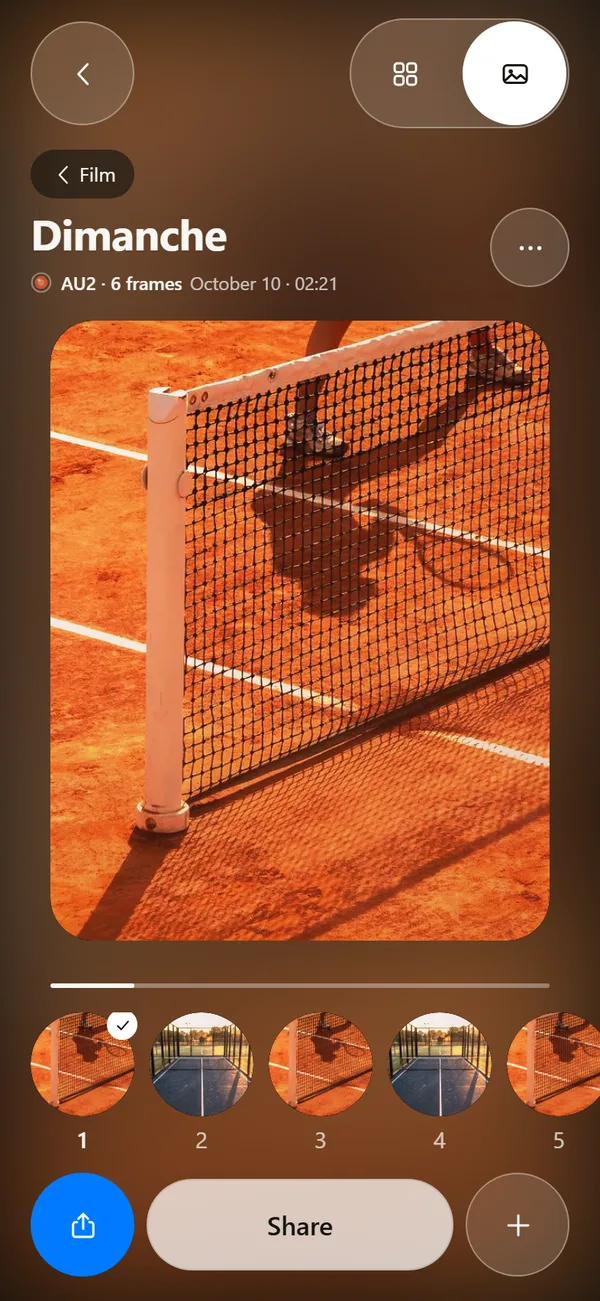 Film Roll That Develops at SunriseShoot blind and wait for sunrise. 12, 24 or 36 frames per roll.
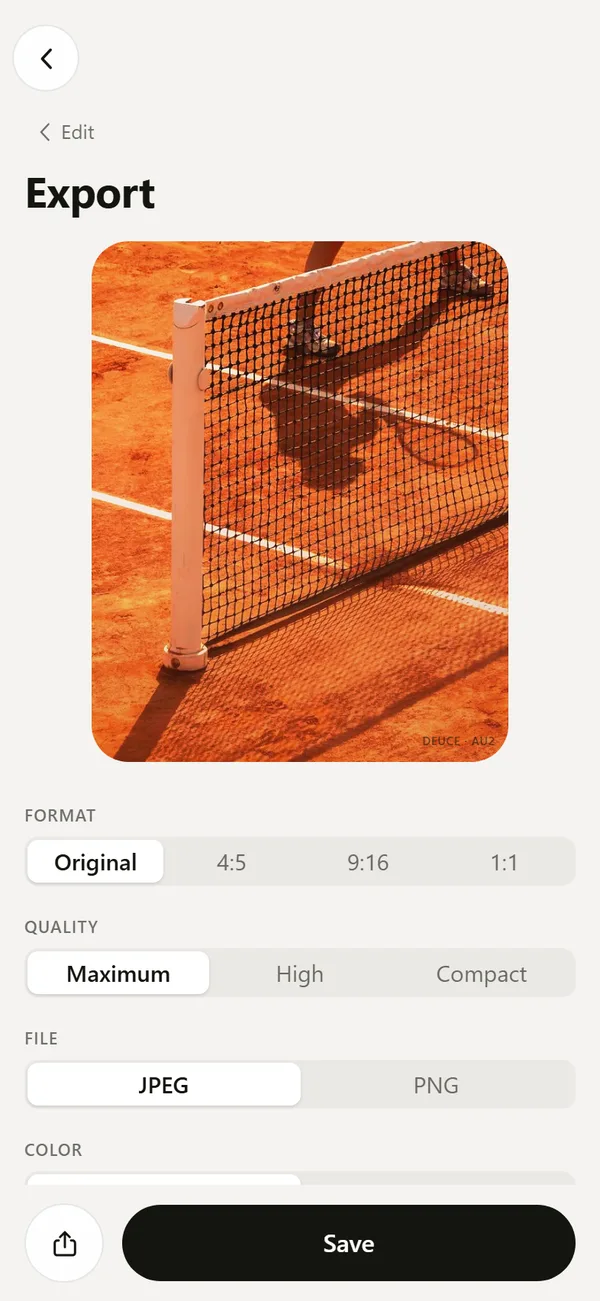 Export Film Photos with Optional EXIF and LocationJPEG or PNG, optional EXIF, no location by default, optional mark.DEUCE Terms of UseDEUCE uses Apple's standard EULA. A plain-language summary.