 DEUCE
DEUCEDEUCE vs Lightroom on iPhone: a film look or a full editor?
Lightroom is Adobe’s free photo and video editor with AI tools, batch editing and community presets. DEUCE is a smaller iPhone app for tennis, padel and golf that begins with a film look instead of sliders. This page compares what each does well as of October 2026.
Coming soon to iPhone
What is the short answer?
Pick Lightroom if you want a full editor with AI removal, batch edits, presets from a community and cloud workflows. Pick DEUCE if you want a film look first, a roll that waits for sunrise and scoreboard stencils, and you prefer an app with no accounts.
Lightroom facts come from its US App Store listing, checked on October 10, 2026. Apps change often, so verify before you decide.
DEUCE vs Lightroom at a glance
| DEUCE | Lightroom | |
|---|---|---|
| Platforms | iPhone only | iPhone and iPad |
| App Store status | TestFlight, not yet released | Live since 2014, 4.8 from 336,929 US ratings |
| Approach | Pick a film, set intensity, then adjust | Edit with tools, presets and AI suggestions |
| AI tools | None | Quick Actions, Adaptive Presets, Generative Remove, per its listing |
| Presets and looks | 46 named films | Presets and community-shared looks |
| Batch editing | Copy and paste an edit to selected frames | Edit once and apply to a batch, per its listing |
| Video | Not offered | Photo and video editor |
| Sunrise roll | Yes, 12, 24 or 36 frames | Not described in its listing |
| Sport stencils | Tennis, padel and golf templates, carousels | Not listed |
| Languages | English and Russian | 22 |
| Cost model | Free download, optional DEUCE Club | Free download with in-app purchases |
What does Lightroom do better than DEUCE?
Lightroom is a mature editor with a long list of tools. Its listing describes one-tap Quick Actions, Adaptive Presets, background blur, an AI Generative Remove tool for erasing objects, lighting and color controls, and community presets and templates. It edits video as well, supports batch edits for a whole shoot and runs on iPad. It also offers 22 languages and a very large base of US ratings.
For retouching, object removal or a large client workflow, it goes further than a film app can.
What does DEUCE do better than Lightroom?
DEUCE removes decisions. You start from a film, which sets color, contrast, grain and glow together, and then you fine-tune. It was made for the same few scenes again and again: clay, grass, glass courts and links. Films carry notes on the light they suit, and the app suggests three films for the frame in front of you, computed on the phone.
The sunrise roll, stencils and carousels and a photo editor that never touches the original round out a different product. There is also no retouching, by design: the skin tool changes tone, saturation and warmth only, and does no smoothing or reshaping.
What does a typical workflow look like?
- In Lightroom, import the photo, apply a preset or adjust light and color, use AI tools if needed, then export.
- In DEUCE, add the photo in Studio or shoot in the camera, pick a film, set the intensity, then adjust exposure or add halation.
- In DEUCE, add a stencil for the score and choose 4:5 or 9:16.
- Export. In DEUCE, choose which metadata to write, with location off by default.
Which is better for which job?
| Job | Better fit | Why |
|---|---|---|
| Remove a stranger from a court photo | Lightroom | AI removal tools |
| Give a match set one film look | DEUCE | Films, recipes and sync |
| Edit a long wedding shoot | Lightroom | Batch tools and range |
| Post a score on a photo | DEUCE | Scoreboard stencils |
| Edit video clips | Lightroom | DEUCE has no video |
What about privacy?
Lightroom ties into Adobe’s cloud services, and its App Store privacy label lists data linked to you and data used to track you. DEUCE has no accounts and, per its privacy documents, no server of its own, no ads and no analytics. The privacy page lists what stays on the phone. Neither approach is wrong, and they serve different needs.
Can you use both?
Yes. Use Lightroom for cleanup and retouching, then bring the result into DEUCE for a film look and a stencil. Or use DEUCE first for the look and Lightroom for a final fix. Avoid stacking two strong looks on the same image.
Who should pick which?
- Choose Lightroom for AI tools, video and large batch work.
- Choose DEUCE for a film look first, with sport templates.
- Choose DEUCE if you want an editor that never writes to your original.
- Try both. Both are free to download.
Is a film look worth giving up some control?
It depends on how you edit. If you enjoy moving sliders and fixing every detail, a full editor suits you, and a film-first app can feel limiting. If you often spend ten minutes on a photo and end up undoing half of it, starting from a complete look may save time. DEUCE keeps the sliders available, so you are not locked in, but it asks you to choose a film first.
What to try first
Pick three photos from a recent match. Edit them in Lightroom as you normally would, then edit the same three in DEUCE using one film at one intensity. Compare the sets side by side. The difference in consistency and in time spent will tell you which workflow fits you.
Frequently asked questions
Is DEUCE a replacement for Lightroom?
No. It covers film looks and basic-to-advanced adjustments, but has no AI removal, video or iPad version.
Does DEUCE have presets like Lightroom?
It has 46 named films with an intensity slider and recipes you can save and reuse.
Which is easier for beginners?
DEUCE starts with a film and a few choices. Lightroom has more tools and more to learn.
Does DEUCE need an account like Lightroom?
No. DEUCE has no accounts. Lightroom’s sign-in and cloud rules are in its own listing.
Is Lightroom free on iPhone?
Its US listing shows a free download with in-app purchases as of October 2026.
Keep exploring
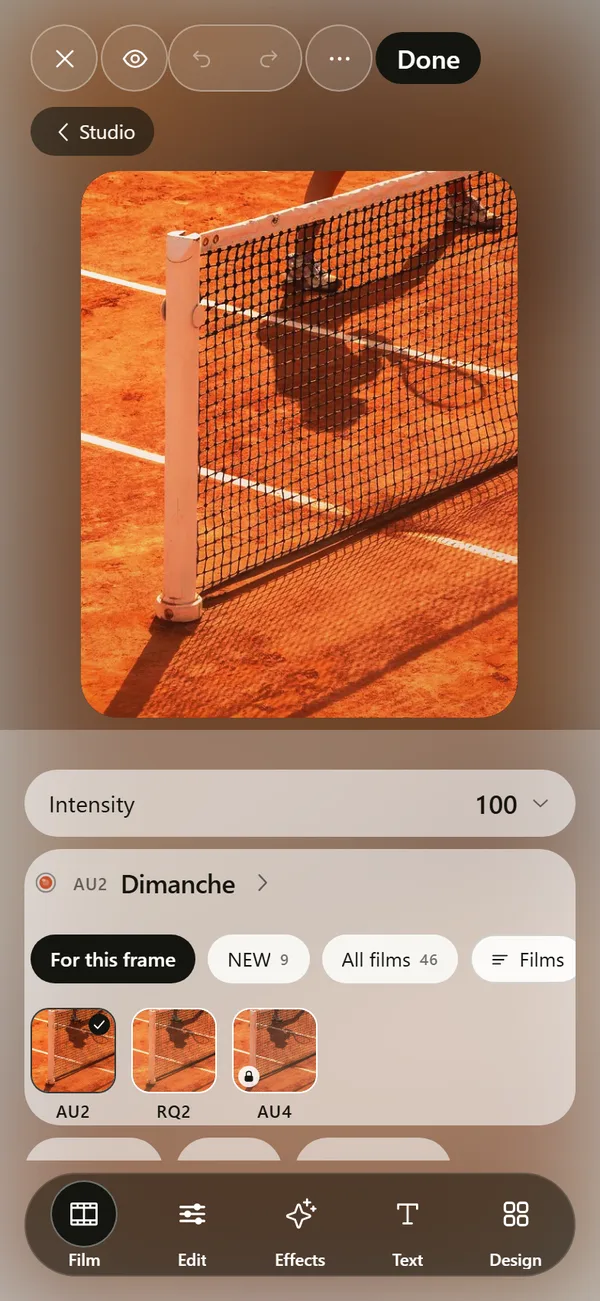 Film Photo Editor for iPhoneFilm, light, effects, text and design tools. Originals stay untouched.
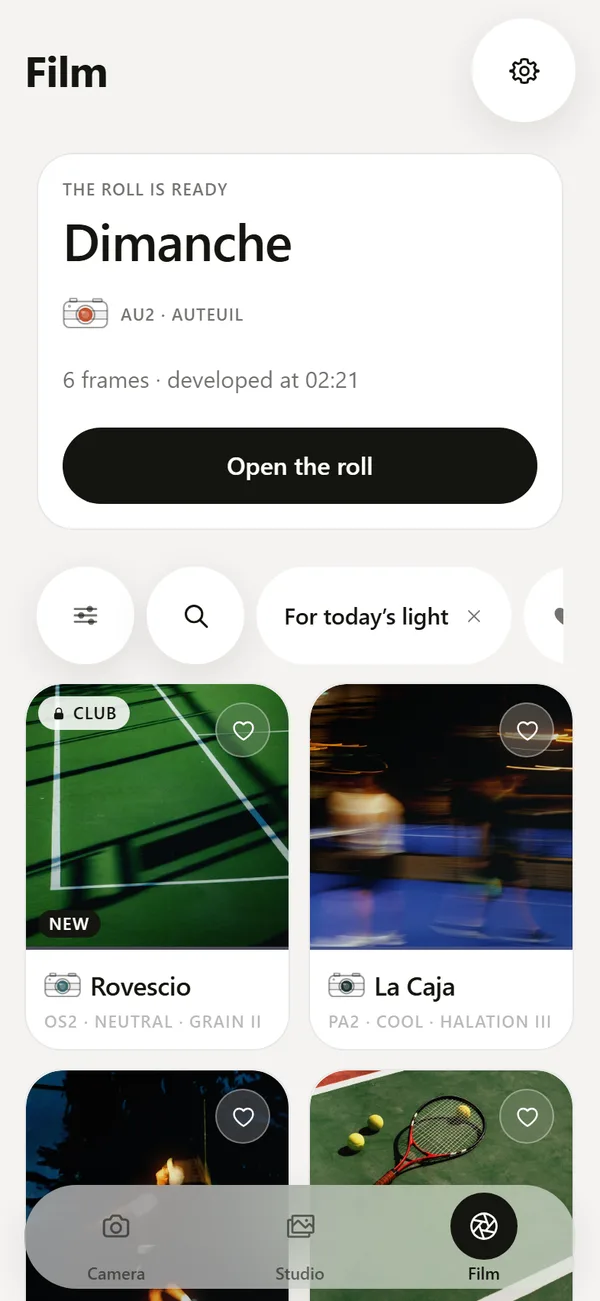 46 Film Looks for iPhone Photos46 films with codes, series and a comparison divider.