 DEUCE
DEUCEWhat is dynamic range in photography, and how does it affect iPhone photos?
Dynamic range is the span of brightness a camera can record at once, from the darkest shadow with detail to the brightest highlight before it turns pure white. Scenes with sun and shade exceed what a sensor holds, so you protect the highlights and lift the shadows.
Coming soon to iPhone
What is dynamic range?
Dynamic range is the ratio between the largest and smallest brightness a system can capture (Dynamic range on Wikipedia). In photography it is usually counted in stops, where each stop doubles the light. A scene with deep shade and a bright sky can span more stops than a camera records, so something gives: the shadows go black, or the highlights go white.
Why does it matter for sport photos?
Tennis courts and golf courses have bright surfaces and dark shade. White lines under midday sun, white clothing and a bright sky are all easy to clip. Players in cap shadow lose their eyes. The result is a picture that either has a white sky and visible faces, or a good sky and dark faces.
How do iPhones handle high contrast scenes?
The phone captures several frames and merges them, so highlights and shadows hold more detail than a single exposure would. The exact process depends on the model and the settings. It works well in many scenes, but strong backlight, bright lamps against a dark night court and white clothing in direct sun can still clip. Check the result on the screen, not on faith.
How do you protect highlights?
- Tap on the brightest important area to set exposure there.
- Slide the exposure control down until the whites keep detail.
- Avoid pointing directly at the sun unless you want a flare.
- Place the subject so that bright and dark areas are not both near the edge.
- Shoot a second frame at a different exposure for tricky scenes.
How do you recover shadows in an edit?
Raise Shadows and Blacks a little to bring detail back, then check for noise in dark areas. Lifting too much flattens the picture and turns shadows grey. Pull Highlights down to bring back clipped skies and white shirts, and use contrast to restore punch afterwards. The Light group in the DEUCE editor has Exposure, Contrast, Highlights, Shadows, Whites and Blacks.
What are the limits of recovery?
If the data is not in the file, no slider can bring it back. Pure white and pure black hold nothing.
| Problem | Can you fix it? | How |
|---|---|---|
| Slightly dark shadows | Usually | Lift shadows, mind the noise |
| Slightly bright sky | Often | Pull highlights, whites |
| Pure white clipped area | No | Reshoot at lower exposure |
| Pure black crushed area | Rarely | Reshoot or accept |
How does dynamic range relate to film looks?
Film handles highlights gently, with a soft roll-off into white. Digital clipping is harder. A film look in DEUCE shapes contrast and highlight behavior, and the film suggestions even measure the frame's brightness, dynamic range, warmth, saturation and share of shadows and highlights on your phone before offering three films. Read film catalog for how suggestions work.
Halation also uses highlights: it takes the brightest areas and spreads a glow around them. See the halation guide.
When is a high-contrast scene a good thing?
Strong contrast gives drama. A silhouette against low sun, a bright court against a dark stand, a lamp in a night street: all of these rely on contrast. Instead of fighting it, expose for the highlights and let shadows go dark. Decide whether you want detail or drama before you press the shutter.
Quick rules
- Expose for the highlights when white matters.
- Lift shadows only as much as the noise allows.
- Avoid editing a clipped area in both directions.
- Use black and white when color contrast fights tonal contrast.
How does the histogram help?
A histogram is a graph of how many pixels sit at each brightness, from black on the left to white on the right. If the graph climbs against the right edge, highlights are clipping. If it piles up against the left edge, shadows are crushed. Some camera apps show it live. Even without one, you can read a similar signal from the screen: large areas of flat white or flat black tell you the same thing.
Why do tennis whites clip so often?
White clothing and chalk lines reflect much more light than the grass or clay around them. The phone exposes for the average of the scene, which pushes the whites past the top. Skin in sunlight does the same. Lower the exposure by a third to half a stop and look again. Pull the whites slider back in the editor if a little texture remains.
What should you do for scenes with the sun in the frame?
- Decide whether the sun is the subject or the background.
- If it is the background, tap on the player and shield the lens from the direct sun.
- If it is the subject, tap on the sky near the sun and let the foreground drop to a silhouette.
- Take a second frame with the sun behind a cloud or a tree branch.
- Edit highlights down and shadows up by small amounts.
How do you use dynamic range creatively?
Treat dark shadows as a design element. A black wall behind a bright player makes a strong picture. Clipped white on a bright day can feel like a washed-out memory, which suits a film look with lifted blacks and soft highlights. Choose a film in the catalog with the contrast you want, then adjust the highlights and shadows to taste.
What should you remember for the next match?
Check the sky and the whites first. If they clip, lower the exposure before you worry about shadows, because shadows can be lifted while clipped whites cannot be recovered. Take one safe frame for the story and one bold frame for the look. When you edit, change highlights and shadows in small steps and compare with the original often.
The goal is a picture that reads clearly at phone size. If the player stands out from the background and the whites still have texture, the dynamic range is handled well enough.
Frequently asked questions
What is dynamic range in simple words?
The span from the darkest to the brightest detail a camera can capture in one picture.
Why are my highlights white?
The scene is brighter than the sensor can record, so bright areas clip to pure white. Lower the exposure.
Can I fix a blown-out sky in an edit?
Only if some detail remains. Pull highlights down. Pure white areas cannot be recovered.
Does HDR fix everything?
It helps, but strong backlight and bright lamps can still clip.
Does DEUCE measure dynamic range?
Yes, on the phone. The film suggestions use brightness, dynamic range, warmth, saturation and share of shadows and highlights.
Keep exploring
 46 Film Looks for iPhone Photos46 films with codes, series and a comparison divider.
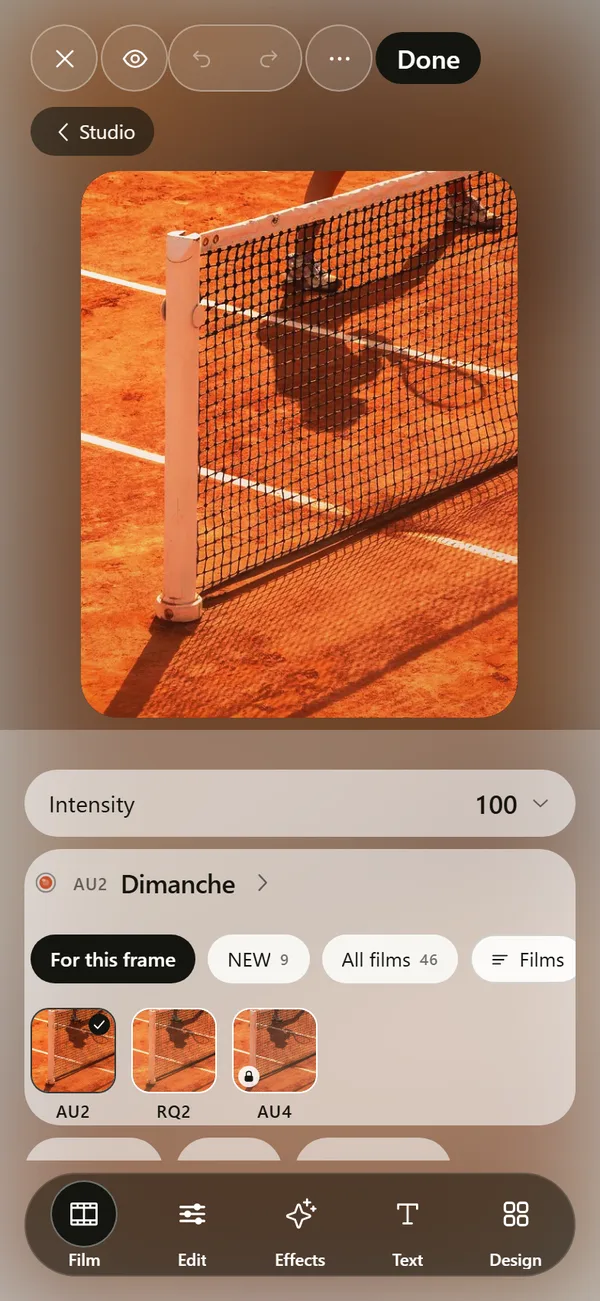 Film Photo Editor for iPhoneFilm, light, effects, text and design tools. Originals stay untouched.Golden Hour Photography on iPhoneWhen golden hour is, how to expose it on iPhone and how to keep the warm glow.What Is Halation in Photography?The glow around bright highlights on film, and how it differs from bloom.