 DEUCE
DEUCEWhat is EXIF data in a photo?
EXIF is a block of information stored inside a photo file. It records the camera model, the capture date, exposure settings such as ISO and shutter speed, the lens, and sometimes GPS coordinates. You do not see it in the picture, but apps and websites can read it.
Coming soon to iPhone
What does EXIF stand for and what is it?
EXIF stands for Exchangeable image file format. It is a standard for the metadata that cameras put into image files, and it defines tags for things like date, camera settings and location (Exif on Wikipedia). The picture itself is separate. You can delete EXIF and the pixels stay the same.
What information is stored?
The exact list depends on the device, but these are the common fields.
| Field | Example | Privacy risk |
|---|---|---|
| Camera make and model | Apple iPhone | Low |
| Date and time of capture | 2026:10:10 08:14 | Medium, shows your routine |
| Exposure time, aperture, ISO | 1/500 s, f/1.8, ISO 50 | Low |
| Focal length and lens model | Wide lens, 6.8 mm | Low |
| GPS latitude and longitude | Coordinates | High |
| Camera serial number | Some devices only | Medium |
| Embedded thumbnail | Small preview | Medium, may show the uncropped original |
How do you see EXIF data on an iPhone?
Photos shows a part of it without extra apps.
- Open a photo in Photos.
- Swipe up, or tap the info button.
- Read the file name, camera, lens, resolution and size. The line with the lens and the exposure values is the visible part of the EXIF block.
- If the photo has a location, a map appears under the details.
Is EXIF a privacy problem?
Only some of it is. Lens and exposure values are harmless. Coordinates and capture time together reveal where you were and when, and a series of photos can show your daily pattern. The serial number can link photos to one device. The embedded thumbnail sometimes keeps a preview of the uncropped image, so a cropped picture can still leak what you cut away.
Is EXIF useful?
Yes, for you. It lets Photos sort by date and show places, and it helps you learn: if a night shot looks grainy, the ISO value shows why. Photographers use it to compare settings across shots, and editors read focal length to correct lens distortion. Stripping everything from every file would break those features.
The practical rule is selective: keep EXIF in your own library, and decide what leaves the phone when you share.
How does DEUCE handle EXIF?
DEUCE reads the original and copies a fixed list of fields into the exported file: camera make and model, capture date and time, exposure time, aperture, ISO, focal length and lens model. Everything else stays behind, including the serial number, the embedded thumbnail, XMP data and private blocks from camera makers.
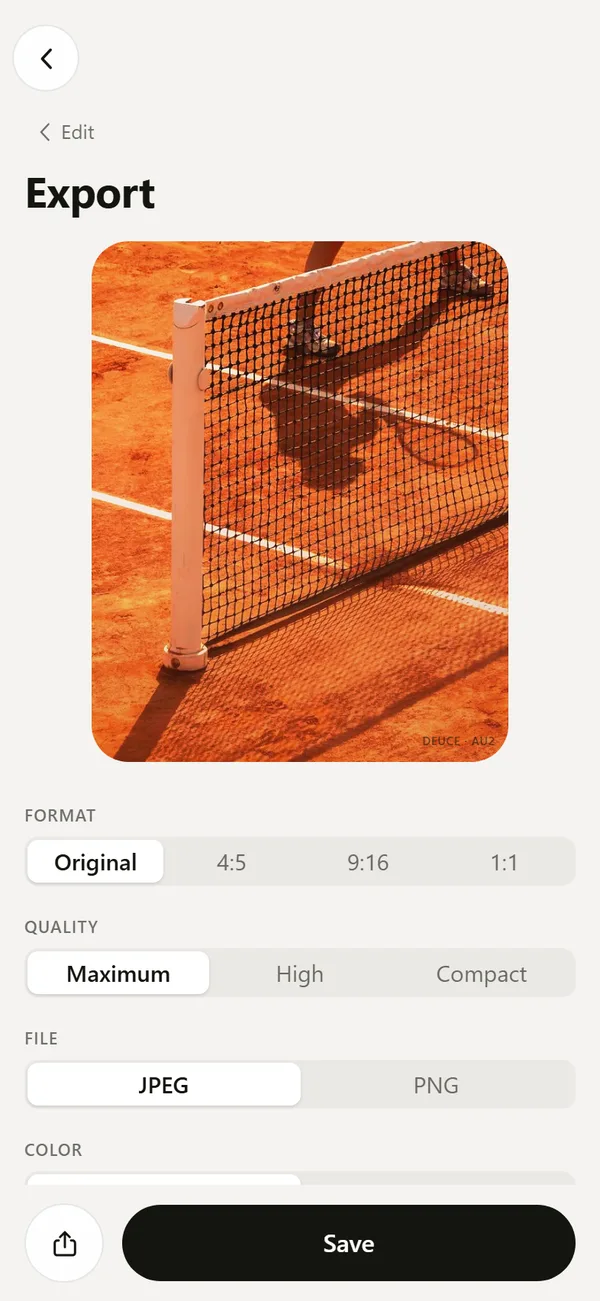
Coordinates have their own Location switch, off by default. The file is built from scratch, so unticked fields are never written. See export and share for the steps, and how to remove location from photos on iPhone for other methods.
Does editing a photo change its EXIF?
It depends on the editor. Some apps copy the original block unchanged, some drop it, and some rewrite it. DEUCE never modifies the original in your library, since each edit is a separate document, and the exported copy carries only what you chose. Always check one exported file before you rely on an app for privacy.
Quick checklist before sharing
- Decide whether the viewer needs the place. For public posts, the answer is usually no.
- Remove coordinates and the serial number.
- Keep date and camera details only if you want to show them.
- Open the shared copy once and confirm the map is gone.
What is the difference between EXIF, IPTC and XMP?
EXIF records how the photo was taken. IPTC fields store editorial information, such as a caption, a credit and keywords. XMP is a flexible container used by editing software to store edit history, ratings and more. A single file can carry all three. When someone says metadata, they might mean any of them.
DEUCE keeps the story simple for exports: it writes a fixed list of EXIF fields if you tick them, and leaves XMP and private manufacturer blocks out.
Why do some photos show a different time than the real one?
EXIF stores the time set in the camera at the moment of capture. If the phone is on the wrong time zone, or the date was changed afterward, the stored time follows. Edited copies can also show the date of the edit instead. Do not use it as proof of when something happened.
How do photographers use EXIF to learn?
Open a photo you like from your own library and read the numbers. If a night picture is noisy, check the ISO. If a moving player looks blurred, check the exposure time. If a portrait feels flat, check the focal length. Over a few weeks you start to see patterns, and the numbers connect to what you see.
The iPhone camera chooses most values automatically, but in a manual mode you set ISO and shutter speed yourself. DEUCE's camera offers manual controls for exposure, ISO, shutter, white balance and focus, and exports carry the exposure values you ticked.
Does a social network keep EXIF?
Many networks read the data to rotate the picture and then discard most of it before display, but they may keep a copy on their servers for their own use. Policies differ and change. The safe approach is to treat anything you upload as readable, and strip what you do not want to share before it leaves your phone.
How do you read EXIF in more detail?
Photos shows a short version. For full lists, free viewers on the App Store and on computers display every tag. Open the file there, and look for GPS, serial number and thumbnail entries. If those are present in a file you plan to share, remove them first.
How big is EXIF and does it slow a photo down?
An EXIF block is usually a few kilobytes, which is tiny next to a photo of several megabytes. It does not slow the picture. The embedded thumbnail makes up most of the block when it is present, and that is one reason some tools remove it. Removing EXIF to save space is rarely worth it. Remove it for privacy.
Should you ever add EXIF to a photo?
If you edit a photo in an app, you generally want the capture date and camera details to travel with it, so the library sorts the picture correctly. That is why DEUCE copies a fixed list of fields from the original into the export when EXIF is ticked. You can leave EXIF off if you want a plain file, but then the date shown in your library may be the date you saved it.
Frequently asked questions
Can EXIF data be faked or edited?
Yes. Tools can change any field, so treat EXIF as a hint and not as proof of when or where a picture was taken.
Do screenshots have EXIF?
They have a minimal block, normally without camera settings or GPS coordinates.
Does EXIF affect image quality?
No. It is stored separately from the pixels and weighs very little.
How do I remove EXIF from a photo on iPhone?
Use the share sheet Options to turn off Location, or export from an app that lets you choose which metadata to write, as DEUCE does.
Does the DEUCE mark change EXIF?
The mark is drawn into the picture, not stored in the metadata. You can switch it off on the export screen.
Keep exploring
How to Remove Location From Photos on iPhoneThree ways to strip GPS data from an iPhone photo, and how to stop it being saved.Export Film Photos with Optional EXIF and LocationJPEG or PNG, optional EXIF, no location by default, optional mark.DEUCE Privacy PolicyNo accounts, no server, no ads, no analytics. Photos stay on your phone.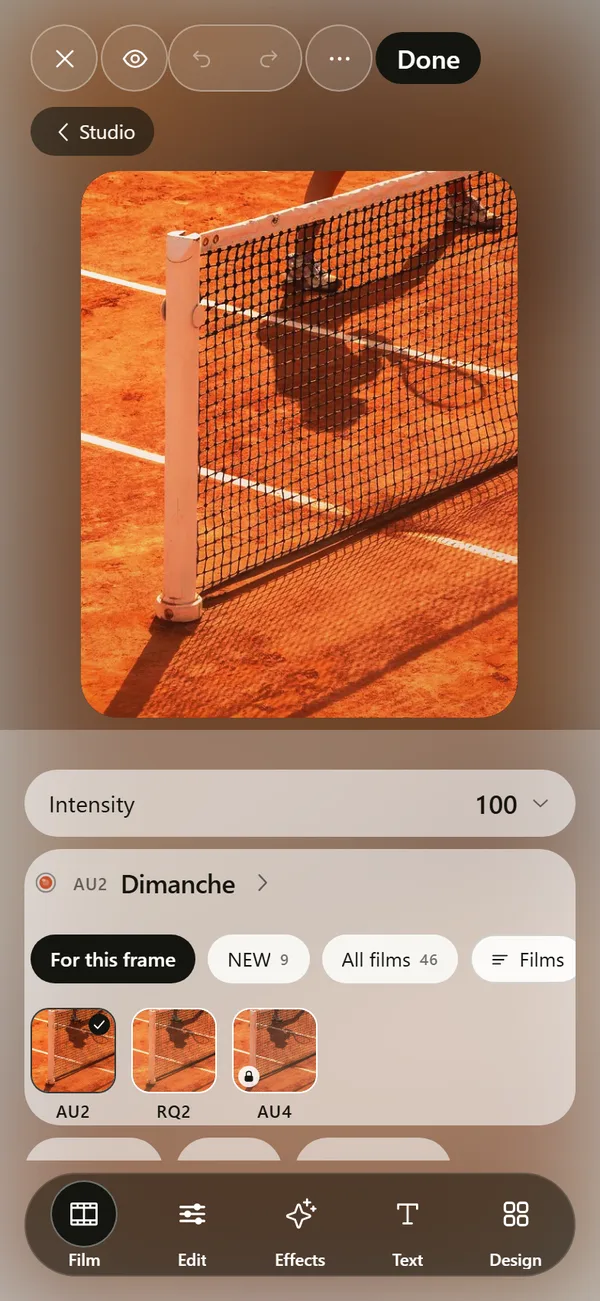 Film Photo Editor for iPhoneFilm, light, effects, text and design tools. Originals stay untouched.