 DEUCE
DEUCEWhat is a contact sheet in photography?
A contact sheet is a single page that shows every frame of a roll of film as a small positive image. Photographers use it to review a whole roll at a glance and choose frames to print. Digital apps imitate the idea to show a set of photos together.
Coming soon to iPhone
What does a contact sheet show?
A contact sheet shows all the frames from a roll laid out in rows, each at about the size of a stamp. The classic version is made by placing the negatives directly on a sheet of photographic paper and exposing them to light, which prints every frame in one go (Contact print on Wikipedia). You then see the whole roll, in order, on one piece of paper.
Why do photographers make them?
Because they save work. Printing each frame full size costs paper, chemicals and time. A contact sheet lets you judge 36 frames in a minute, and mark the ones worth printing. It also shows the sequence: how a photographer moved around a subject, which frames were close variations, and where a good shot came out of a run of misses.
Many photographers keep contact sheets as a record, and some publish them, because a sheet shows the decisions behind a final image.
How do you read a contact sheet?
- Scan the whole sheet first without stopping on a single frame.
- Look for sequences: several frames of the same scene, where small changes in timing or framing show.
- Mark candidates with a pen or a digital tag.
- Zoom into the marked frames and check focus and expression.
- Compare similar frames side by side before you pick one.
How does a digital contact sheet differ?
A digital sheet can also be styled for social media, which is where most people see them today.
| Film contact sheet | Digital contact sheet | |
|---|---|---|
| Made from | Negatives on photo paper | A set of image files |
| Frames | One roll, usually 24 or 36 | Any number |
| Order | Order of exposure | Order you choose |
| Use | Pick prints | Review, share, post |
How does DEUCE make a contact sheet?
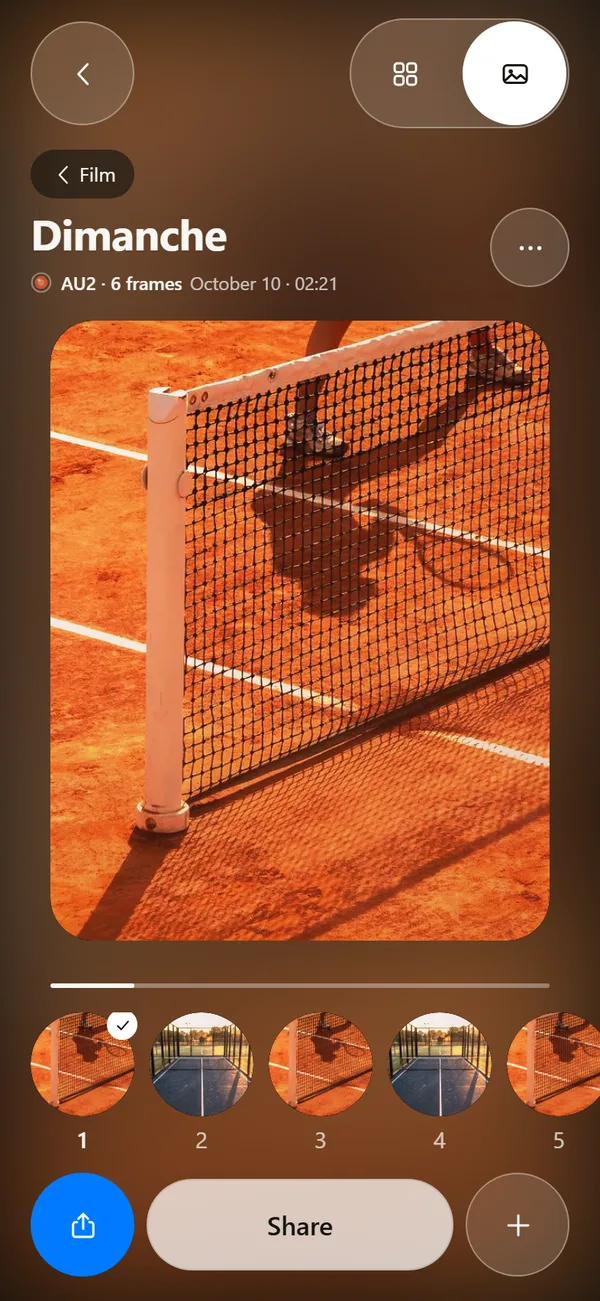
In DEUCE, a developed roll opens as a sheet of all frames. From there you can build a contact sheet to share. Pick Story 9:16, Feed 4:5 or a print ratio linked to the film's series, then choose a dark, clay or cream surface. In the current build, Share sends the sheet's caption as text, so keep a screenshot if you want the picture itself.
Rolls are 12, 24 or 36 frames, so a 36-frame roll fills a sheet like a classic strip of prints. See the sunrise roll guide for how rolls develop.
Why does a contact sheet suit the roll idea?
A DEUCE roll hides frames until the roll develops at your local sunrise. When it opens, you see all frames at once, which resembles the moment you first look at a contact sheet. You cannot delete frames while the roll is hidden, so the sheet reveals the real record of the session, including misses. That is closer to the way film works than a camera roll you edit as you go.
What are tips for a good contact sheet?
- Use one film for the whole roll so the sheet looks unified.
- Shoot a sequence, not only single frames, so the sheet has a story.
- Pick the surface to match the mood: dark for evening, clay for courts, cream for a print look.
- Choose Story for phone viewing and Feed for posts.
- Circle or caption the frame you like best when you post.
Is a contact sheet the same as a carousel?
No. A contact sheet shows many frames on one image. A carousel spreads frames over several swipeable slides. Use a sheet for the overview and a carousel for the story. Many posts do both: the first slide is the sheet and the next ones are the best frames. DEUCE covers carousels in stencils and carousels.
Why were contact sheets marked with a pen?
Photographers circled frames with a grease pencil, because it writes on glossy paper and can be wiped off. Some drew crop lines, arrows or notes. Those marks became part of the record, and published sheets show them. In a digital workflow you do the same with stars, flags or notes, and DEUCE lets you mark favorites so you can filter the Studio view by them later.
How is a contact sheet different from a gallery?
A gallery shows one image at a time, so you judge each in isolation. A sheet shows all frames at once, so you judge them against each other. That difference changes decisions: a frame that looked great alone sometimes looks like a copy of five others when seen together. If you want a better edit of a session, review it as a sheet before you pick.
What is a good way to use a sheet on social media?
Post it as the first slide of a carousel, followed by the three best frames at full size. People get the overview and the highlights in one swipe sequence. Add a one-line caption with the date and place, and turn off location in the export if the place is private.
Frequently asked questions
What is a contact sheet used for?
To review all the frames of a roll at once and choose which ones to print or edit.
Why is it called a contact sheet?
The negatives are in direct contact with the photographic paper when the sheet is printed.
How many photos are on a contact sheet?
Usually one roll, which is 24 or 36 frames on 35 mm film.
Can I make a contact sheet on my iPhone?
Yes. In DEUCE a developed roll can be turned into a contact sheet in Story 9:16, Feed 4:5 or a print ratio.
Does the DEUCE contact sheet share the image?
In the current build Share sends the caption as text, so take a screenshot of the sheet to share the picture.
Keep exploring
Film Roll That Develops at SunriseShoot blind and wait for sunrise. 12, 24 or 36 frames per roll.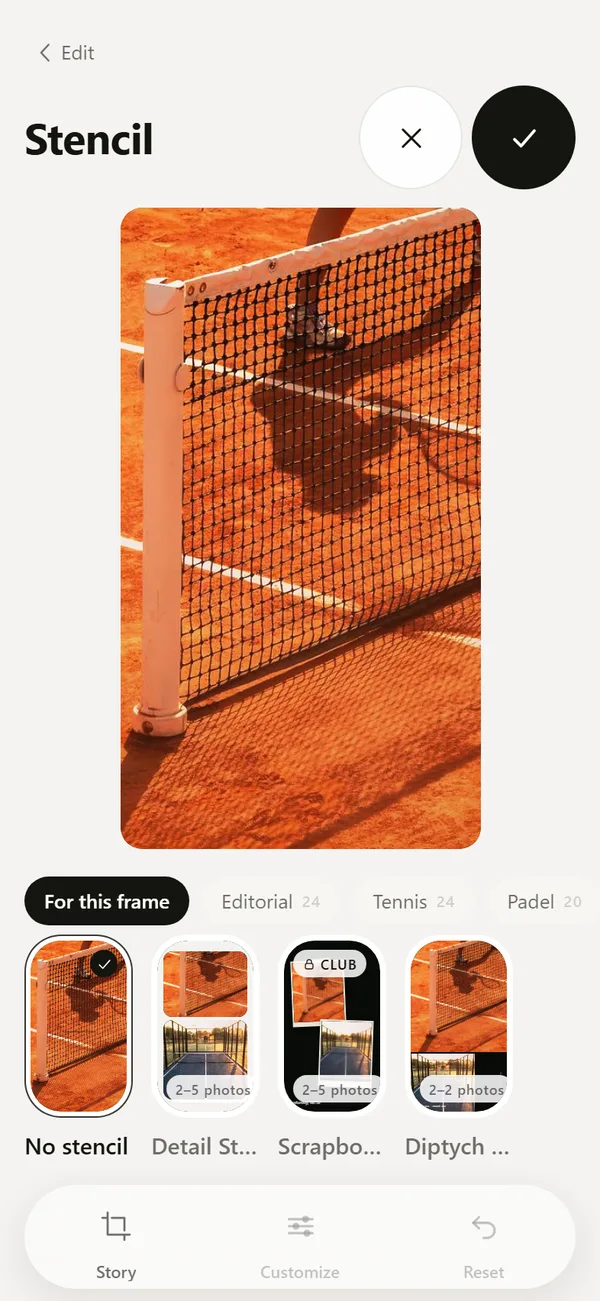 Tennis, Padel and Golf Photo Templates and CarouselsScoreboards, hole cards, club layouts and multi-frame carousels.
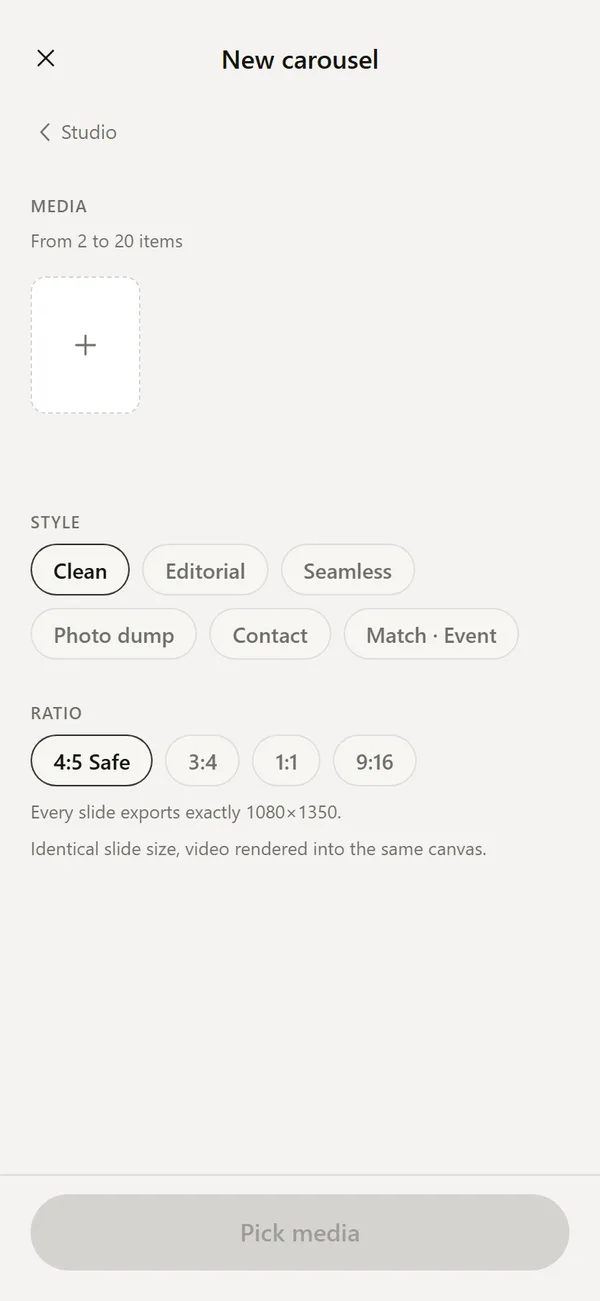 Photo Dump Ideas and How to Make OneWhat a photo dump is, how many photos to use, ideas by sport and how to build one.
 46 Film Looks for iPhone Photos46 films with codes, series and a comparison divider.