 DEUCE
DEUCEFilm simulation recipes, presets and LUTs: what is the difference?
A film simulation is a camera mode that imitates a film stock. A recipe is a set of camera settings built around one. A preset is a saved group of edit sliders, and a LUT is a color lookup table applied to an image or clip. They overlap, but each works at a different stage.
Coming soon to iPhone
What is a film simulation?
A film simulation is a color and tone profile built into a camera, designed to imitate a film stock. Fujifilm cameras made the term well known, with modes named after the company's own films such as Velvia and Provia. The camera applies the profile when it makes the JPEG. Raw files stay untouched, and you can apply the look later on a computer.
What is a recipe?
A recipe is a combination of camera settings that gets a specific look from a film simulation: which simulation, how strong the grain is, how contrast and shadows are set, and the white balance shift. Photographers share them as lists of numbers. The word has spread to other tools, where a recipe means a saved set of edits.
In DEUCE, a recipe is a saved set of edits you can apply to another photo. Save one from the editor, then reuse it later or paste the edit across several frames from Studio.
What is a preset?
A preset is a saved group of slider positions in an editor: exposure, contrast, temperature, tint, grain and so on. Applying it moves all sliders at once. Presets are the most common way to reuse a look in phone and desktop editors, because they work on a photo you already have.
What is a LUT?
LUT stands for look-up table. It maps every input color to an output color, so it changes hue, saturation and tone in a single step. LUTs are standard in video work and color grading (Color grading on Wikipedia). A LUT does not move sliders, it replaces color values, and it cannot add effects that depend on position, such as halation around a bright light.
How do they compare?
The table shows why an app-based approach suits phone photos: you already have the image, so presets and recipes are the tools you use.
| Film simulation | Recipe | Preset | LUT | |
|---|---|---|---|---|
| Applied | In camera | In camera settings | In an editor | In an editor or grade |
| Contains | Color profile | Settings list | Slider values | Color mapping |
| Editable after | Not in a JPEG | n/a | Yes, sliders | Strength only |
| Handles grain and glow | Some | Some | Yes | No |
Where does a film in DEUCE fit?
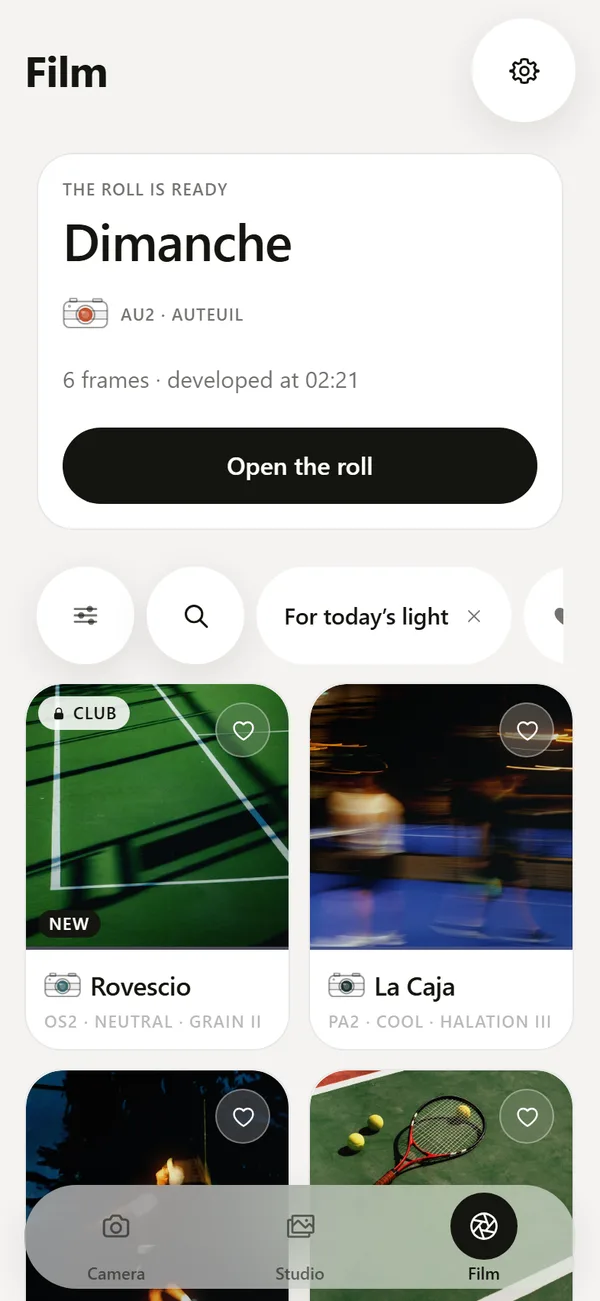
A DEUCE film is a complete look: color balance, contrast, grain and halation tuned together. It acts like a preset, but it is one named unit, with a code, a story and a list of scenes it suits, and it has an intensity slider from zero to 100. A film is a starting point, and a recipe is what you save after you adjust it.
That order matters. With sliders alone you often fight the picture one control at a time. With a film first, the photo starts coherent. See the film catalog.
Which one should you use?
- Shooting with a camera that has simulations: choose a simulation and a recipe in camera.
- Editing a phone photo: use a film-style preset and adjust intensity.
- Grading video: use a LUT, then correct the clip.
- Posting a set: save the final edit as a recipe and apply it to every frame.
Can you copy a famous recipe on iPhone?
Recipes for specific cameras are tuned to camera sensors and profiles, so you cannot copy them one to one onto a phone photo. You can read the character: warm shadows, muted greens, strong contrast. Then reproduce the character with a film look and a few sliders, and save your own version as a recipe.
How do you pick a look that stays consistent?
- Pick one film or preset as the base for a project.
- Fix exposure and white balance per frame before applying the look.
- Apply the look at one intensity to every frame.
- Save the combination as a recipe.
- Review the full set at thumbnail size and nudge outliers.
Why do the same preset and the same LUT look different on two photos?
A preset or LUT assumes a starting point. If one photo was shot in bright daylight and another in shade, the same look will land differently. The fix is to correct exposure and white balance first, then apply the look. This is why DEUCE places intensity and exposure after the film choice: you adapt the look to the frame, instead of expecting one setting to fit every picture.
Do raw files change the answer?
For photographers who shoot raw on a camera, the look can be chosen after the shot, and a film simulation in the raw converter is just another preset. On an iPhone, you usually work with processed photos, so you apply a look to an image that already has Apple's tone mapping. Expect the effect to be a little different from a raw workflow, and tune intensity by eye.
What should you name your own recipes?
Use the conditions in the name: Evening clay, Padel night, Overcast grass. A name that describes the light is easier to find than a number, and it reminds you when to use it. DEUCE names its own films after places and kinds of light for the same reason. Add the intensity if you plan several versions.
Frequently asked questions
Is a preset the same as a LUT?
No. A preset stores slider positions in an editor. A LUT maps input colors to output colors in a fixed table.
What is a film recipe?
A set of camera settings or edits that produce a specific film-like look. In DEUCE a recipe is a saved set of edits you can reuse.
Can I use a LUT on a photo on iPhone?
Some editors support LUTs for photos and video. DEUCE applies its own film looks, each tuned as a complete look.
Which is better for phone photos, presets or LUTs?
Presets and film looks, because they can include grain, halation and local effects that a LUT cannot.
How do I apply the same edit to many photos in DEUCE?
Copy the edit from one frame, select other frames in Studio, and apply it.
Keep exploring
46 Film Looks for iPhone Photos46 films with codes, series and a comparison divider.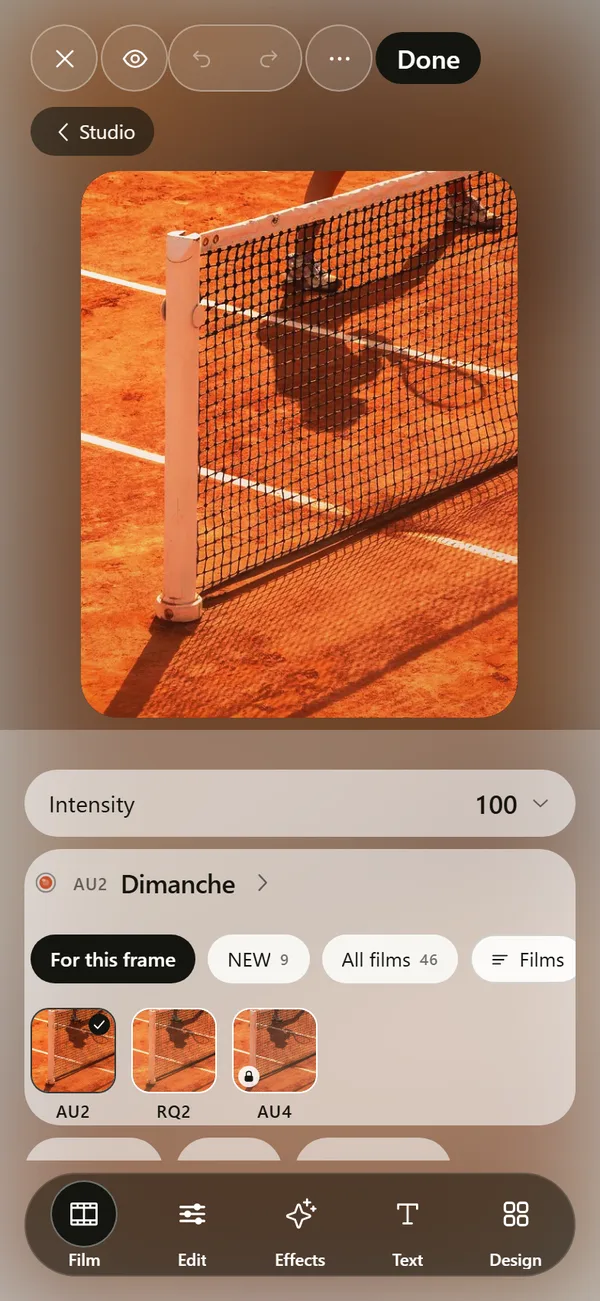 Film Photo Editor for iPhoneFilm, light, effects, text and design tools. Originals stay untouched.How to Make Photos Look Like Film on iPhoneFour changes that give a photo a film look: tone, color, grain and glow.Best Film Camera Apps for iPhoneSeven film camera apps for iPhone compared on price model, approach and US App Store ratings in October 2026.